Your sentence
Or a photo, if you have one
Write the sticker prompt
Subject, border, and background. That is usually enough. Leave the default if you only want to see the sheet.
Save your generations and keep your credits across devices.
Home / ChatGPT Sticker Prompt
Write the sentence. We print a sticker sheet — die-cut, kawaii, vinyl, or a full pack. A photo is optional.
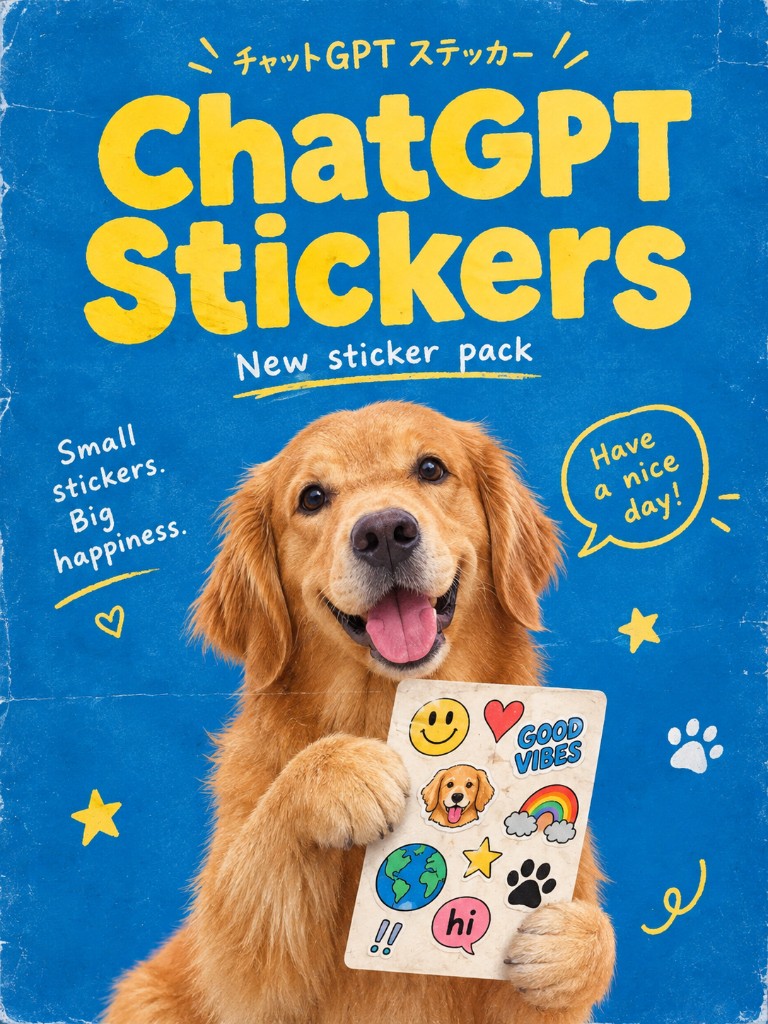
How it works
You do not need Illustrator. Write the cut, pick a look, generate.
Your sentence
Or a photo, if you have one
Subject, border, and background. That is usually enough. Leave the default if you only want to see the sheet.
Sheet, die-cut, kawaii, vinyl, icons, or from a photo. Each chip is a full ChatGPT sticker prompt you can still edit.
Generate, check the edges, then try another look. Start at 1K. Raise the size when the cut looks right.
Looks
“Make stickers” is weak. The useful version names the cut, the border, and what must stay simple.
A kawaii sheet on black: cat, whale, bear, a few bubbles. That is the sample on this page. The prompt is the whole brief — you are not tracing vectors by hand.
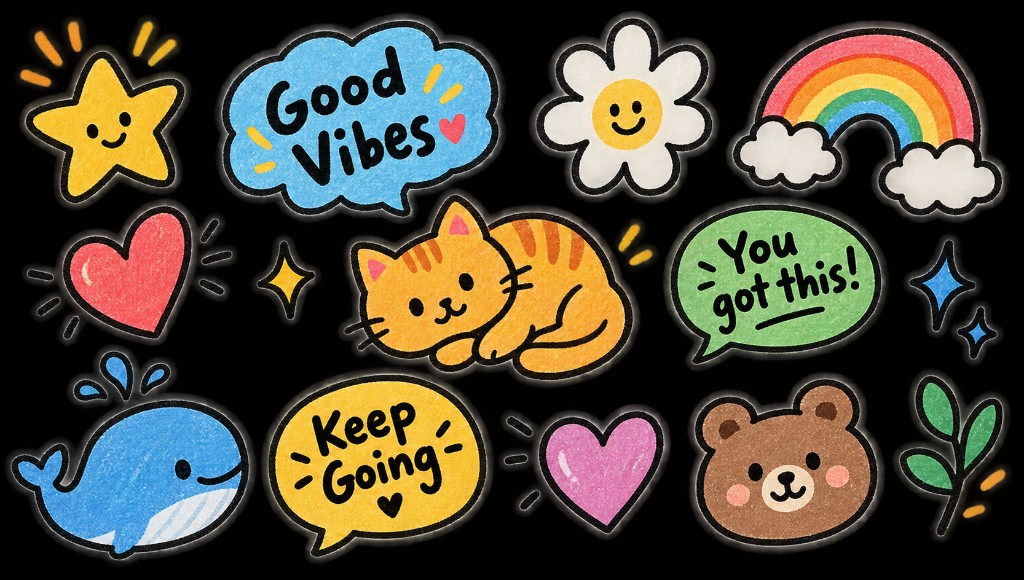
If you want something you could kiss-cut on a Cricut, say so. Isolated subject, thick white edge, no room behind it. A sheet prompt and a die-cut prompt are different jobs.
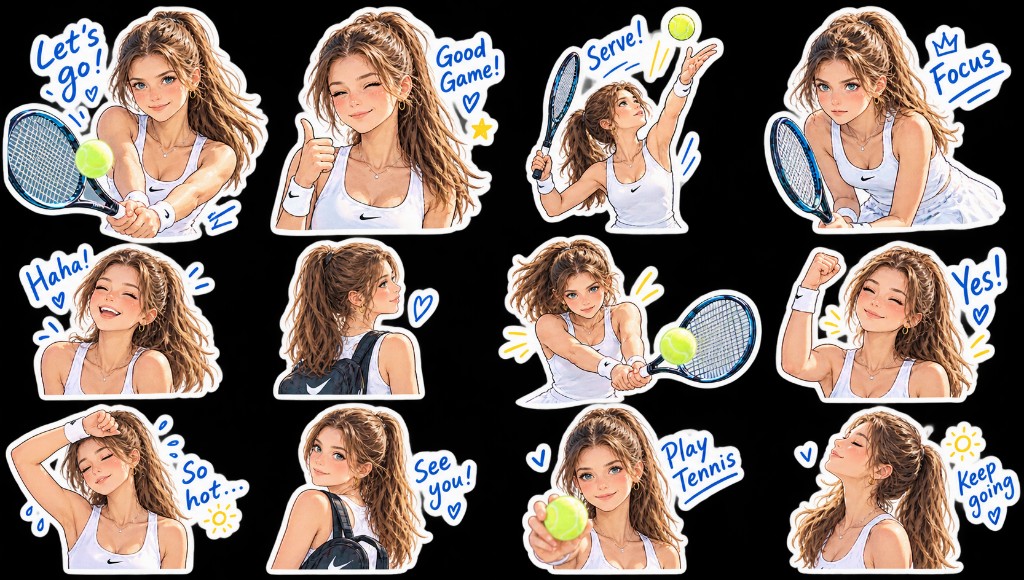
Upload a pet or a face, then keep the “From photo” chip. The prompt should say “keep this face” and “simplify.” If it stays too photographic, ask for flatter color on the next run.
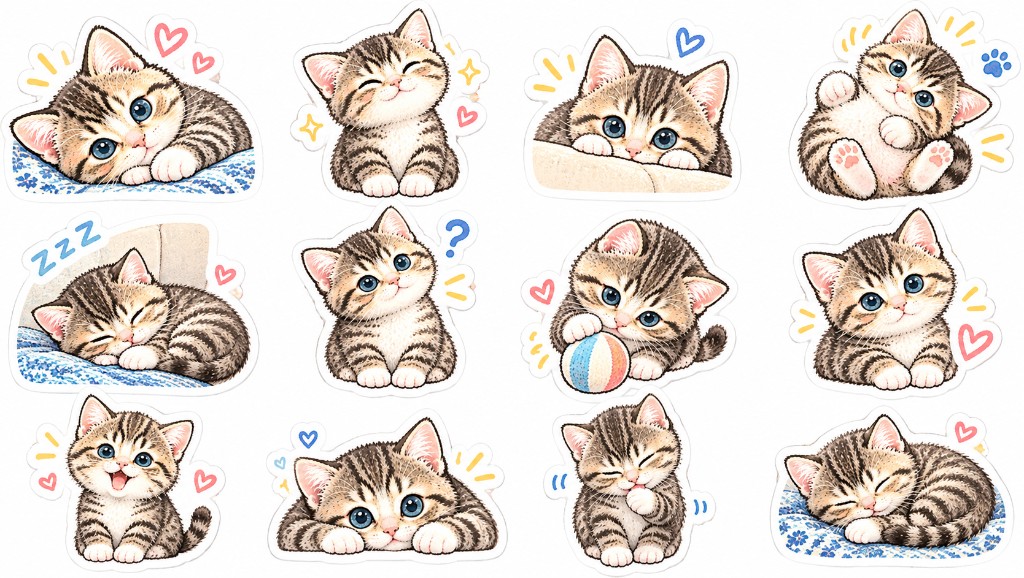
Pricing
The first sticker sheet can be a free 1K try. Credits cover the rest: 10 for 1K, 20 for 2K, 40 for 4K.
Enough credits to learn the workflow.
Billed yearly
SubscribeThe middle seat if sticker sheets become a habit.
Billed yearly
SubscribeWhen a whole pack has to stay on-model.
Billed yearly
SubscribeA ChatGPT sticker prompt is the sentence you give an image model when you want stickers instead of a photograph. You name a subject, a cut (die-cut, kiss-cut, sheet), a border, and a background. The model draws a new print. It does not peel vectors out of a photo unless you attach one and ask it to simplify.
People type this into ChatGPT, or they search for a sticker prompt and paste it here. Same job. The box on this page is prefilled. The chips are only shorter ways to load a complete sentence. If you already have a prompt from ChatGPT, paste it.
This site is unofficial. Official Images 2.5 also lives in ChatGPT. We are a browser workbench next to that.
| Prompt | What you get | When to use it |
|---|---|---|
| “Make stickers” | A vague poster | Almost never |
| Sheet + character + border | A pack you can crop | Default on this page |
| Die-cut + isolate | One piece | Print or Cricut |
It is the brief. Subject, cut, white border, background. If you skip the cut, you often get a poster with stickers drawn on it, not a sheet you can slice.
No. The box is prefilled. Looks on the page are ready-made ChatGPT sticker prompts. You can still paste one you wrote in ChatGPT, word for word.
Name four things: who, cut, border, background. “Golden retriever, die-cut, thick white edge, blue field” beats “cute dog stickers.” Shuffle on this page only cycles those kinds of sentences.
Yes. Upload is optional. Use the From photo chip and say “keep this face.” If it stays too real, ask for flatter color and a thicker outline.
No. We generate a new image. Your upload stays yours. Download the result when you like it.
The first 1K generation does not need an account. After that, sign in. New accounts get a small credit gift; a 1K image still costs 10 credits. Paid plans are on this page.
Paid plans here include commercial use of what you generate, still subject to our terms and other people’s rights. Do not print a real person’s face on merch they did not agree to.
No. This is an independent studio. You can run a similar sticker prompt inside ChatGPT with Images 2.5. Product facts about the official model come from OpenAI’s announcement.
Leave the default sentence, generate. If the border is clean, you are done. If it is not, name the cut and run it again.