Your photo
PNG · JPG · WEBP
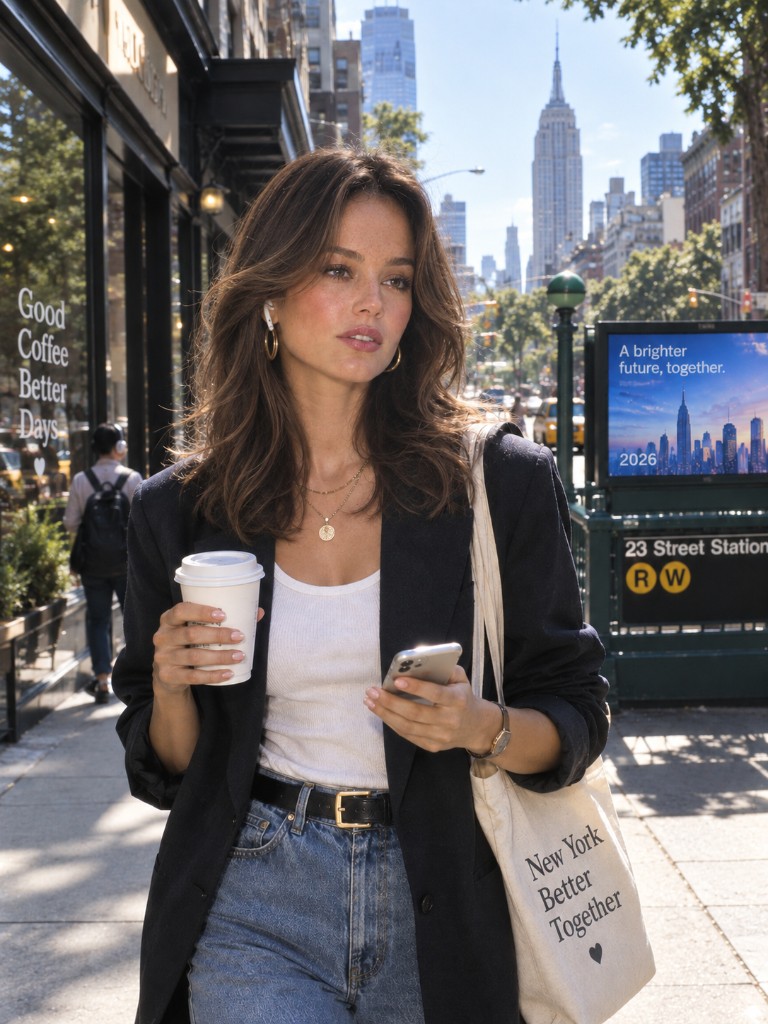
Upload your photo
A clear face or a full-body shot works best. This is the original we keep trying to hold onto.
Save your generations and keep your credits across devices.
Home / 80s Photo
Upload a picture you already have. We restyle it as an 80s photo — same person, different decade.
How it works
No design skills. Upload the original, pick a look if you want, generate.
Your photo
PNG · JPG · WEBP
A clear face or a full-body shot works best. This is the original we keep trying to hold onto.
Street, yearbook, night, or a lighter retro film pass. You can leave the default 80s photo prompt as it is.
Generate, check the face, then try another look on the same upload. Start at 1K; raise the size when the frame is right.
Before / after
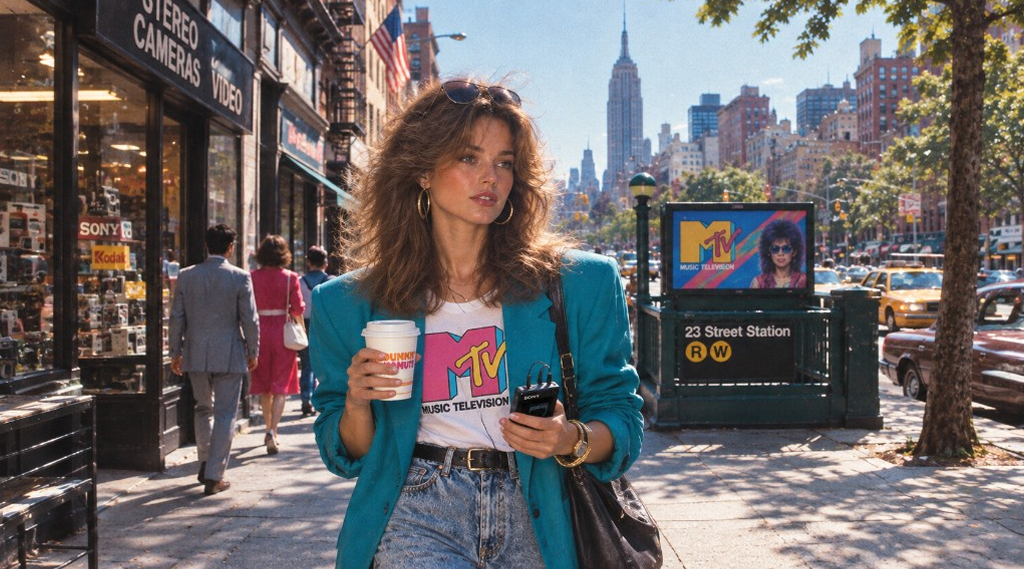
Drag the slider. These are the kind of restyles this page is for — not a filter slapped on top, and not a brand-new stranger.
Clothes, hair, and the street shift to the decade. The person should still be the person. That is the whole job.
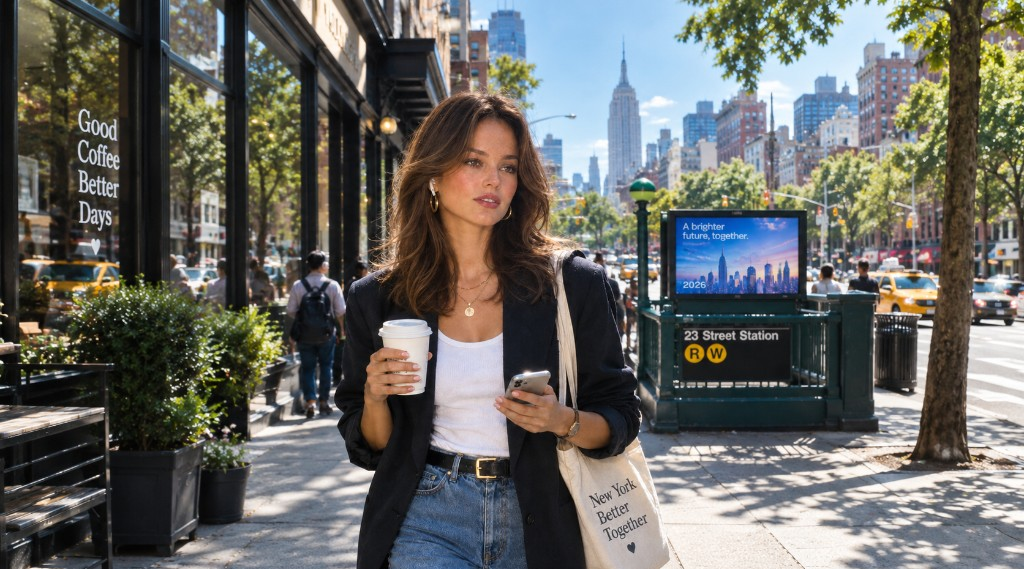 Now
80s
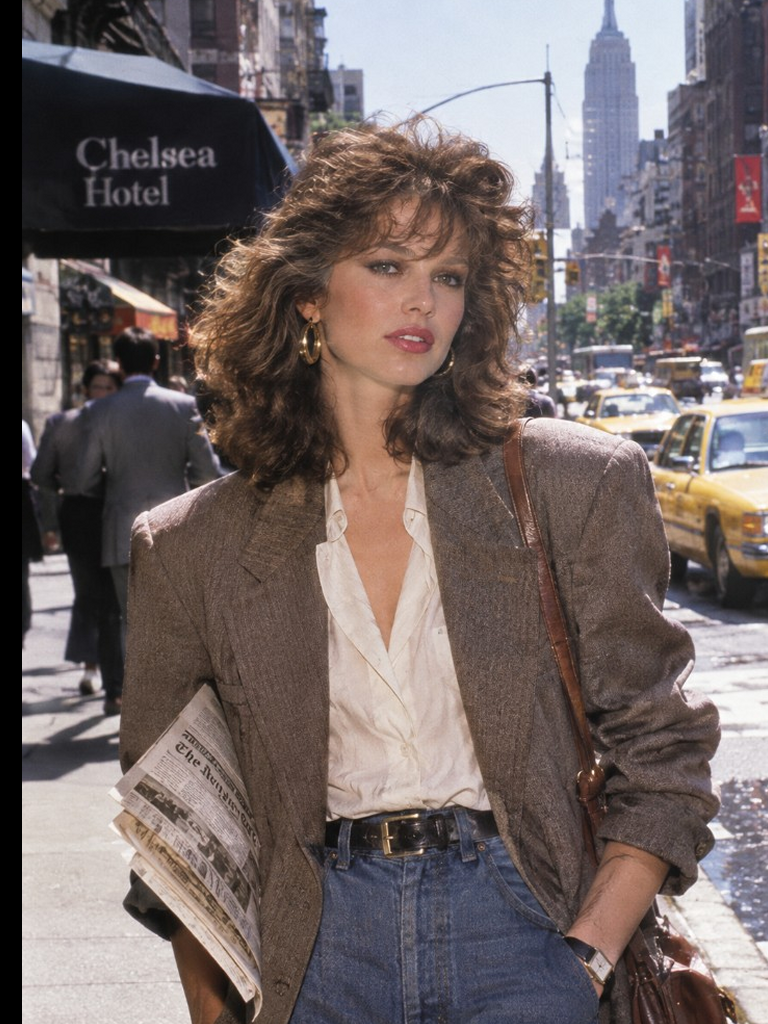
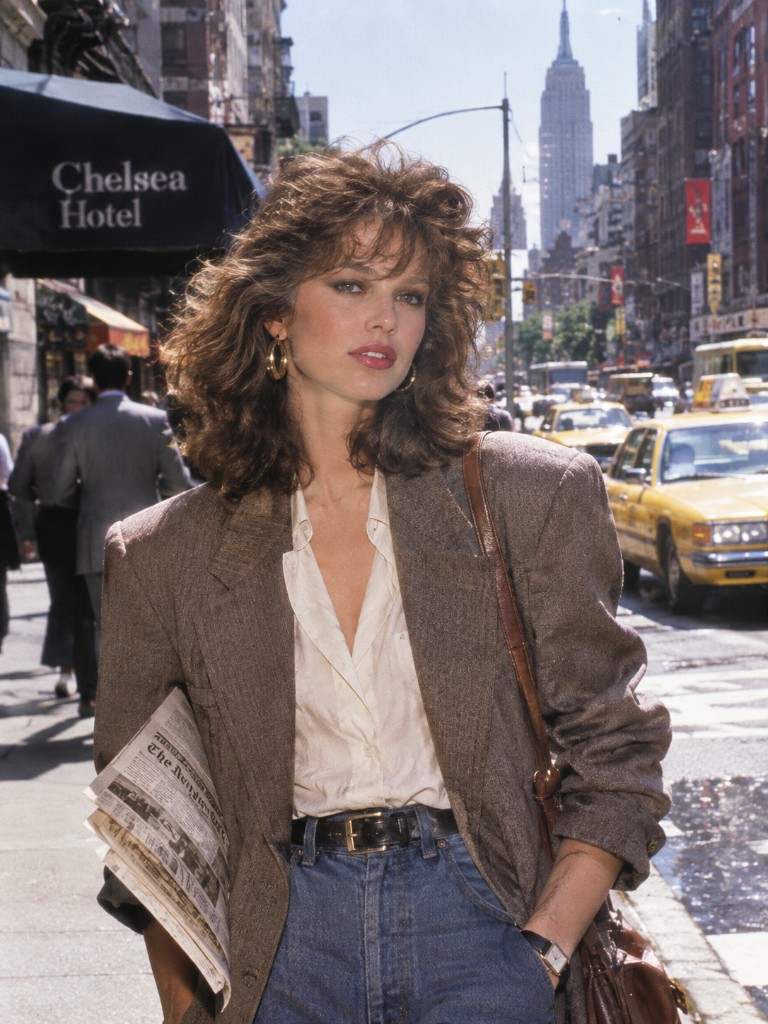
Yearbook, sidewalk, Chelsea Hotel — pick the scene. The prompt should say “keep my face.” If the face drifts, say so on the next try and leave the clothes alone.
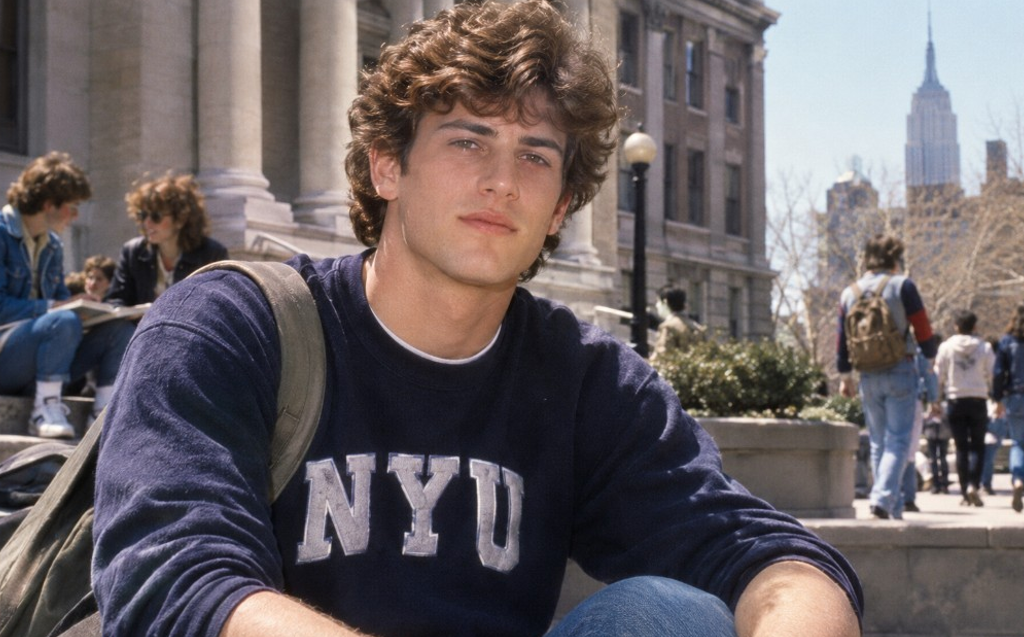
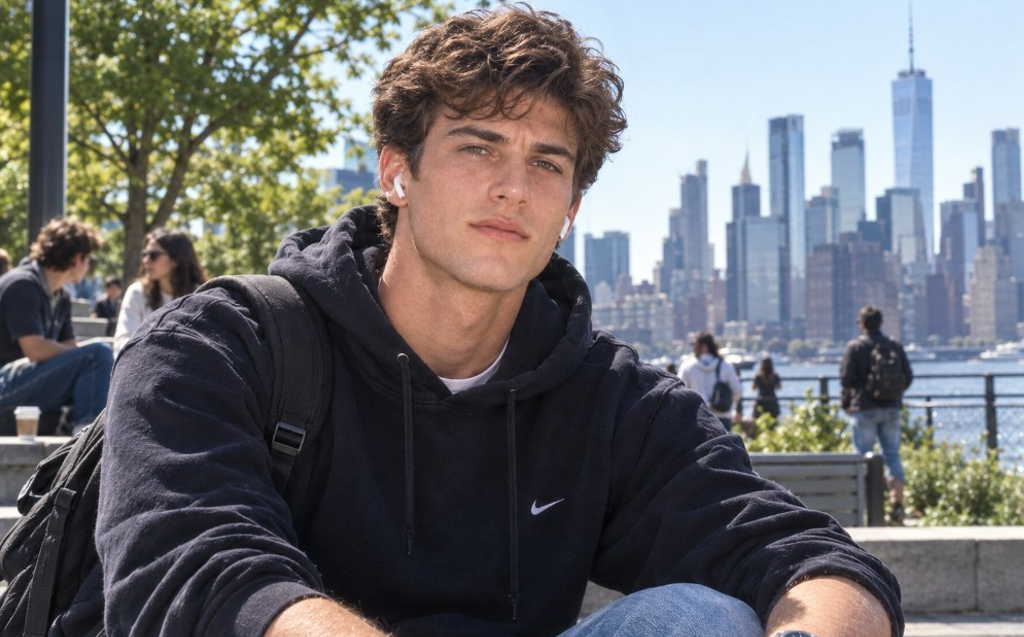 Now
80s
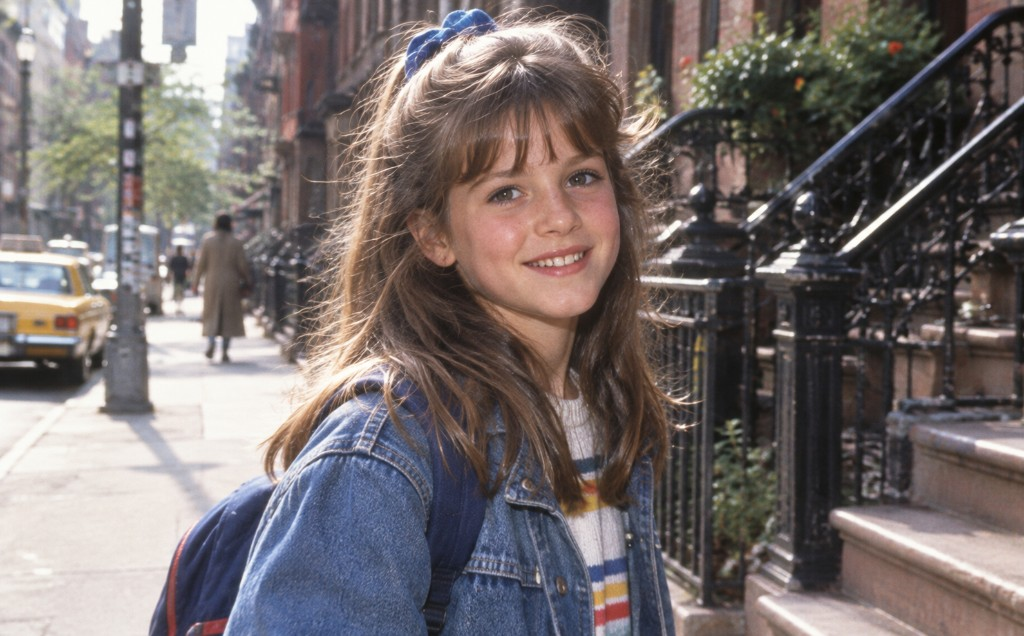
A lot of people search for a 90s photo after they try the 80s one. The chip is there. Disposable-camera flash, cooler film, later clothes. Still start from your original — we do not keep a separate 90s product.
Pricing
The first 80s photo can be a free 1K try. Credits cover the rest: 10 for 1K, 20 for 2K, 40 for 4K.
Enough credits to learn the workflow.
Billed yearly
SubscribeThe middle seat if 80s photos become a habit.
Billed yearly
SubscribeWhen a whole set has to go through the same decade.
Billed yearly
SubscribeAn 80s photo generator takes a picture you already have and asks an image model to restyle it as a 1980s photograph. You are not cropping the frame. You are not stretching pixels. You are asking for a new print of the same person — hair, clothes, light, and grain from that decade.
People look this up as an 80s photo prompt, a ChatGPT 80s prompt, or an 80s AI photo generator. Same job. On this page the upload is the start. The sentence in the box is only there to steer the decade. If you already have a prompt you like, paste it. If you do not, use a look chip.
This site is unofficial. Official Images 2.5 also lives in ChatGPT. We are a browser workbench next to that.
| Method | What it does | Your face |
|---|---|---|
| Instagram filter | Tints the same pixels | Same clothes, same year |
| Reshoot | New clothes, real film | Accurate, slow, expensive |
| 80s photo here | Restyles from your original | Should stay you, if you say so |
You upload a photo. The model tries to print a 1980s version of it — period hair, clothes, and film. The useful version of this keeps the same person. If it hands you a stranger, say “keep this face” and generate again.
No. The box is prefilled. Looks on the page are ready-made 80s photo prompts — street, yearbook, night, retro film, or a 90s photo if that is what you meant. You can still write your own, the way you would in ChatGPT.
Name three things: the decade, what must not change (the face, a coat), and the light (flash, neon, late sun). “Make it 80s” is weaker than “1980s sidewalk, keep my face, no phones.” Random prompt on this page only cycles those kinds of sentences.
Yes. Same upload. Switch the look chip. The 90s version is cooler film and later clothes, not a different product.
No. We generate a new image. Your upload stays yours. Download the result when you like it.
The first 1K generation does not need an account. After that, sign in. New accounts get a small credit gift; a 1K image still costs 10 credits. Paid plans are on this page. No watermark on paid exports.
Paid plans here include commercial use of what you generate, still subject to our terms and other people’s rights. Do not drop a real person into an ad they did not agree to.
No. This is an independent studio. You can do a similar restyle inside ChatGPT with Images 2.5. Product facts about the official model come from OpenAI’s announcement.
Upload the original, leave the default prompt, generate. If the face holds, you are done. If it does not, say so and run it again.